Why Does Every App Need an Update?
Why does every app need an update? It’s not just about new features; updates are crucial for fixing bugs and closing security gaps that could
Why Does Every App Need an Update?
I can spend an afternoon building something genuinely clever with technology. A little automation. A workflow that saves me an hour a week. A website that actually works.
Then I come back to it three days later and stare at it like a stranger left it on my desk.
That’s just how my brain works. I can understand something completely, and then lose the whole thread overnight. So when my phone lights up with “14 updates available” first thing in the morning, before I’ve even had coffee, it doesn’t feel like housekeeping. It feels like one more thing I’m supposed to already understand and don’t.
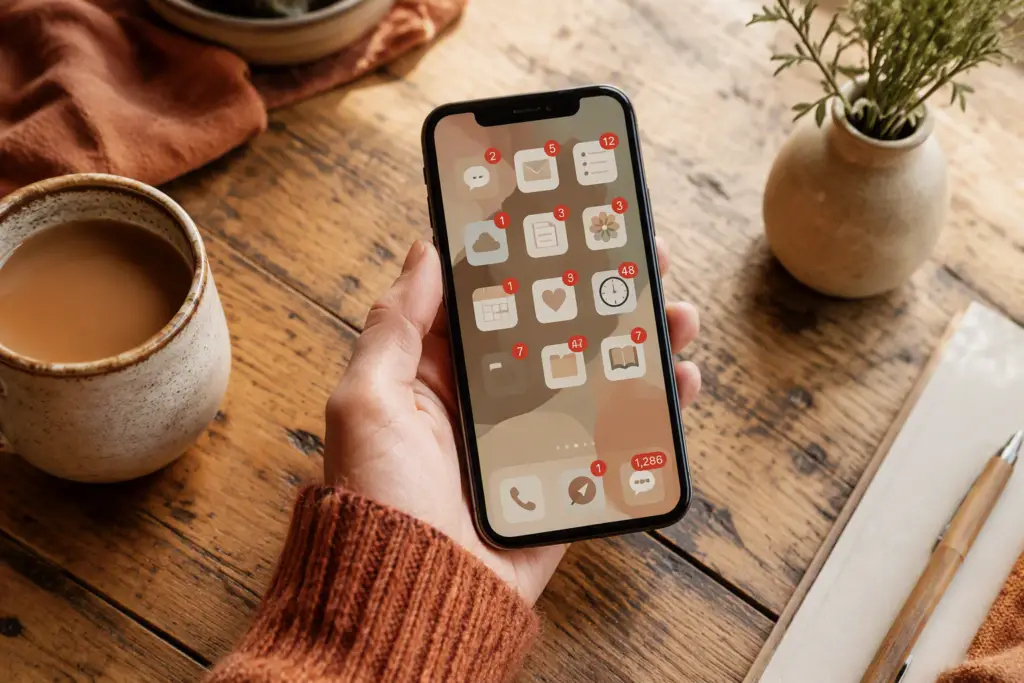
For years my approach to updates was simple: ignore them. Swipe the notification away. Let the little red badge climb into double digits like it’s keeping score against me. I once had 47 unread update notifications on one phone. Forty-seven. I wore it like a badge of honour, if I’m honest, like refusing to update was some kind of personality trait.
It is not a personality trait. It is a security risk with extra steps.
What an update is actually doing
Nobody explains this well, so here’s the plain version.
Most updates are one of three things:
**Fixes.** Something in the app was broken, or behaving oddly, and the fix is in this update. Nothing dramatic — just patching the parts that were creaking.
**Security patches.** This is the one that matters most and gets explained least. Apps and phones are found to have weak spots all the time — small gaps that could let someone get at your data. An update closes the gap. Skip enough of these and you’re leaving doors unlocked without knowing it.
**New features.** The least urgent kind. Sometimes welcome, sometimes just a new button nobody asked for and a menu that’s moved for no reason anyone can explain.
The trouble is your phone doesn’t say which is which. It just gives you the same slightly smug little badge whether it’s fixed a genuine security hole or added a new shade of blue to a button nobody asked about. You’re left guessing. I guessed wrong for about a decade.
The rule I actually use now
I stopped trying to understand every update and started using one simple rule instead.
If it’s your operating system (the iOS or Android update itself) or anything to do with banking, email, or passwords — update it, and update it soon. Those are the ones most likely to be closing a security gap.
If it’s a game, a shopping app, or something with no sensitive information in it — update whenever it’s convenient. Once a week is fine. Once a month is fine.
That’s genuinely it. I don’t read release notes — I read about four words of one, once, and it said something about “performance improvements,” which tells you precisely nothing, so I stopped bothering. I sorted my apps once, roughly, into “matters” and “doesn’t,” and now I don’t relitigate the decision every time a badge appears.
The bit I had to make peace with
Nobody tells you this, so I will: you’re allowed to not understand what an update does and still install it anyway. I don’t know what’s happening inside my phone when I tap “update,” and I’ve made peace with that the same way I’ve made peace with not knowing what’s happening inside my car engine. I still get it serviced. I don’t ask questions I won’t understand the answers to.
I used to feel like clicking “update” without reading anything meant I was doing technology wrong, somehow cheating, getting away with something. I’ve stopped feeling that. I tap it, I put the kettle on, and if something’s moved when I open the app again I give myself five minutes to find the new version of the old button before declaring it a disaster.
Nine times out of ten it’s not a disaster. It’s just moved house, and so have I, more than once, so I can hardly complain.
I’m not a tech expert and I’m never going to be one — anyone who’s watched me hunt for a Wi-Fi button for ten minutes could confirm that under oath. I’ve just lived with this stuff long enough to know which parts are worth the five minutes of faff and which parts genuinely aren’t. That’s the whole series, really. Not answers from on high — just what’s worked for someone who can build something clever on a Tuesday and completely forget how she did it by Thursday.
If you want to actually set this up rather than just nod along, I’ve written out exactly where the buttons live on iPhone and Android — [Where’s the Actual Button? Turning On Auto-Updates on iPhone and Android](#).