This happened to me, and it’s more common than you’d think. A few usual culprits, in the order I’d check them:
Low Power Mode / Battery Saver is on. Both iPhone and Android pause background updates when the battery-saving mode is switched on, full stop. If you’ve had it on for weeks because you keep forgetting to charge overnight (no judgement, so had I), that alone explains the silence.
You’re not connected to Wi-Fi. Both systems default to updating over Wi-Fi only, to avoid chewing through your mobile data without asking. If you’re mostly on cellular data, go back into the settings above and switch to “any network” — just know that can eat into your data allowance.
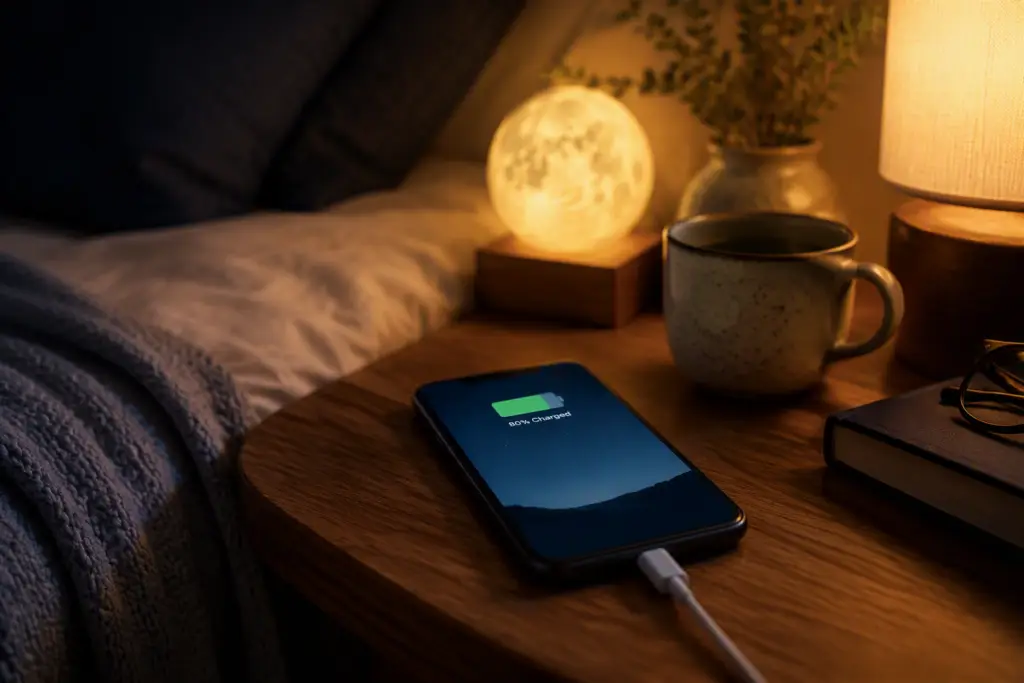
The phone isn’t idle and charging. Most auto-updates are designed to happen overnight, while the phone is plugged in and untouched. If your phone never sits still and charging at the same time, updates may keep getting pushed back.
A sign-in or account error. On Android specifically, if there’s a sign-in problem with the Google account on your device, apps quietly stop auto-updating without telling you why. Worth checking you’re not logged out anywhere.
One more thing worth knowing: some updates — the ones patching a serious security problem — get pushed through regardless of your settings. That’s not a glitch. That’s the system doing exactly what it’s meant to.
Set this up once, and it genuinely becomes something you never have to think about again. Which, if you’ve read the rest of this series, you’ll know is exactly the kind of technology relationship I’m after.