Passwords Are Broken: Here’s What to Do Instead
For years I had what I genuinely believed was a brilliant system.
One password. For everything. Simple. Memorable. Efficient.
It was also, as it turns out, spectacularly stupid. So, having been told off enough times by enough well-meaning tech articles, I overcorrected spectacularly. More symbols. More numbers. A capital letter shoved in somewhere pointless. Somewhere in there I typed a password so aggressively secure that I have genuinely never been able to get back into that account. It's just gone. Somewhere out there is an email address with photos on it that I will never see again, guarded by a password even I can't defeat.
I created Fort Knox. I locked myself outside it.
For years I had what I genuinely believed was a brilliant system.
One password. For everything. Simple. Memorable. Efficient.
It was also, as it turns out, spectacularly stupid. One password everywhere means one leak anywhere is a leak everywhere — your email, your banking, your online shopping, all held up by the same flimsy word I picked around 2011 because it was easy to type and had a “1” on the end so it “counted” as secure.
So, having been told off enough times by enough well-meaning tech articles, I overcorrected spectacularly. More symbols. More numbers. A capital letter shoved in somewhere pointless. Somewhere in there I typed a password so aggressively secure that I have genuinely never been able to get back into that account. It’s just gone. Somewhere out there is an email address with photos on it that I will never see again, guarded by a password even I can’t defeat.
I created Fort Knox. I locked myself outside it.
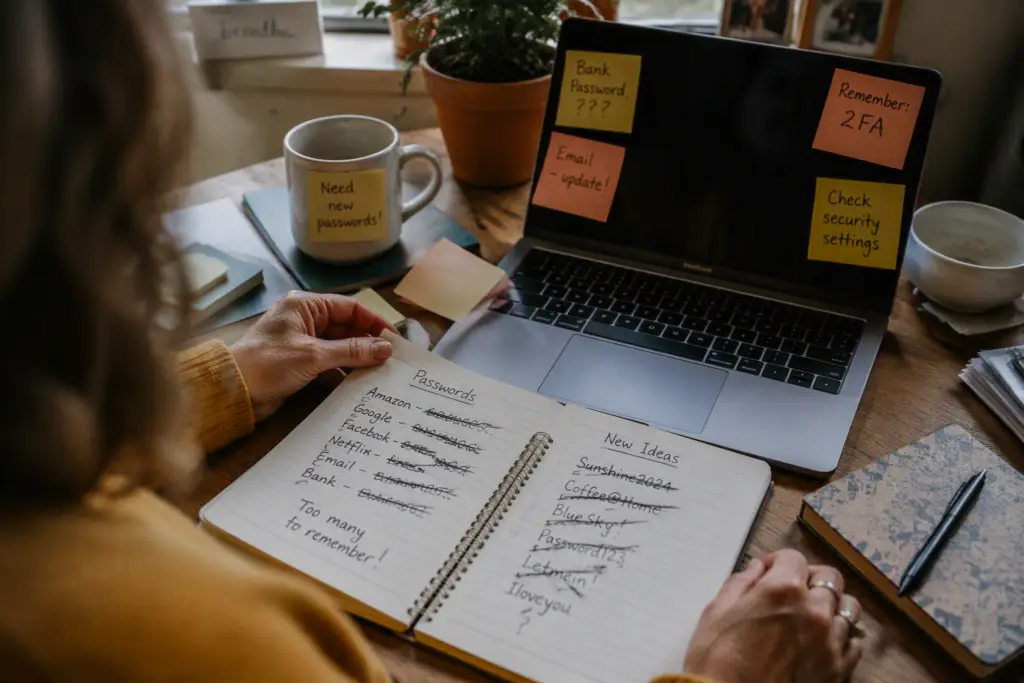
I’d write them down, then forget where I’d written them down, which is a genuinely impressive skill when you think about it — losing information I put on paper specifically so I wouldn’t lose it. Twenty minutes hunting through notebooks. Then giving up and hitting “Forgot Password?” Again. And again. And again, so often that I think some websites started to recognise me the way a pub recognises a regular.
Nobody teaches you a better way. You’re just supposed to already know, and if you don’t, somehow it’s your fault for being bad at it — never the fault of a system that expects you to memorise forty impossible strings of nonsense and never write any of them down anywhere.
I’d argue it’s not really us who are bad at this. It’s a genuinely stupid system that we’ve all quietly agreed to pretend is normal.
Why passwords are broken in the first place
You’re being asked to invent, remember, and never reuse a unique complicated string for every single account you own — banking, email, the loyalty app for a coffee shop you visited once. No human brain is built for that. The fact that everyone struggles with this isn’t a personal failing, it’s a design flaw in how we’ve all been told to do it.
There are two things actually worth doing about it. You don’t need both on day one, but they solve different halves of the problem.
Option one: a password manager
This is the single biggest change I made, and I wish someone had pushed me toward it years earlier.
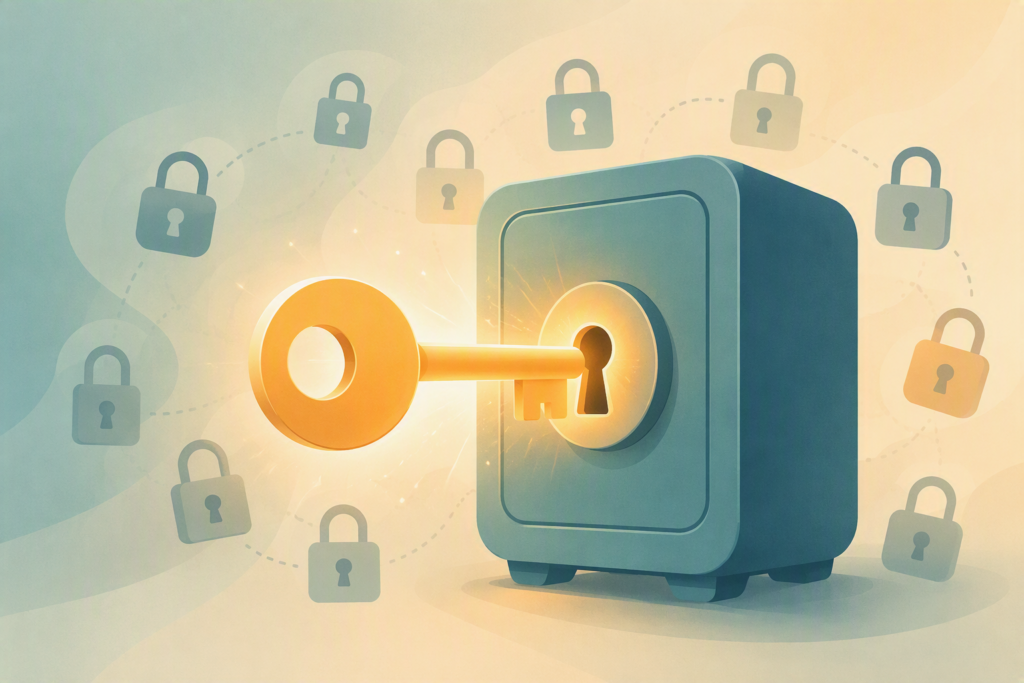
A password manager is an app that stores all your passwords in one encrypted vault, protected by one strong master password that you actually remember. It can generate a properly random, properly unique password for every new account, fill it in automatically, and sync across your phone and computer. You stop inventing passwords. You stop remembering them. You just remember the one key to the vault.
Bitwarden is where I’d point anyone starting from scratch. It has a genuinely useful free plan, it’s straightforward to set up, and it’s open-source, which in plain terms means independent security people can and do check its code rather than taking the company’s word for it.
1Password is the one I’d recommend if you want something a little more polished and are happy to pay a small monthly fee for it — the interface is friendlier for anyone who finds apps overwhelming, and it makes sharing logins with family genuinely easy.
Either one takes about twenty minutes to set up. That twenty minutes replaces years of “Forgot Password?”
Option two: passkeys
This is the newer piece, and it’s worth knowing about even if you don’t switch everything over tomorrow.
A passkey replaces the password entirely for a given account. Instead of typing something, you unlock it with your face, your fingerprint, or your phone’s screen lock — the same way you already unlock your phone fifty times a day. There’s no password to steal in the first place, because there isn’t one.
More and more banks, email providers, and big apps are starting to offer this as an option when you log in. If you see “create a passkey” next to the usual password box, it’s worth doing. It’s not replacing everything overnight, but where it’s offered, it’s the stronger option.
What I actually did
I didn’t overhaul every account in one weekend. I tried that approach with a diet once and it lasted about the same amount of time it would have here — roughly until Sunday lunch. Instead I set up a password manager, then changed the important ones first: email, banking, anything with my card details attached. Everything else I update whenever I happen to log into it and think “oh, that’s still ‘Sunshine1997’, isn’t it.”
I still don’t remember most of my passwords, and honestly, that’s the whole point. I remember one. The vault remembers the other ninety-something. For the first time in years, “Forgot Password?” isn’t a button I see on a weekly basis — and somewhere out there, that one email account I locked myself out of years ago is still sitting behind Fort Knox, unbothered by any of this.